Measure the working area
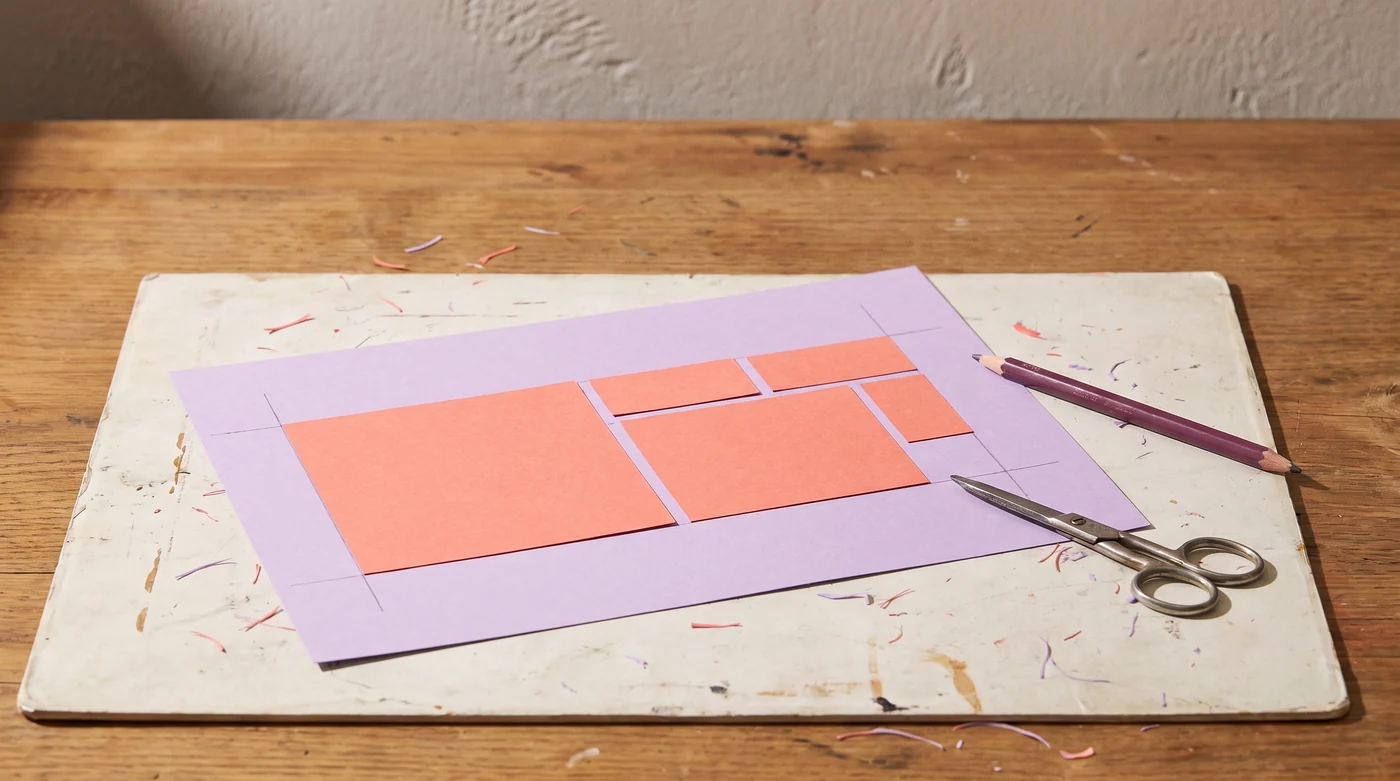
Subtract machine margins, unusable edges or a damaged corner before entering the width and height. The planner lays out rectangles in a regular grid. It does not read a cutting machine’s mat limits or import a design file.
Include the spacing
Enter the bounding width and height of one piece and the gap required between pieces. The gap is counted between adjacent pieces, not added around the outside of the sheet. Include any required external margin in your usable-sheet measurement.
Decide whether rotation is allowed
A rotated rectangle may fit more times, but patterned paper and fabric can have a required direction. The tool compares the two uniform orientations when rotation is allowed. It does not attempt mixed nesting or irregular-shape optimization.
Reserve the trial
Add spare pieces for a test cut or a likely handling error. The result rounds up the sheet count, shows the regular layout and reports unused area. A mathematical fit is not confirmation that a machine can cut the design or that an assembly method will work.
Record material brand and variant, machine and tool, settings, sample photographs and the finished result. Decorative makes belong here; repairs and installed fixtures belong to Home by Doing.