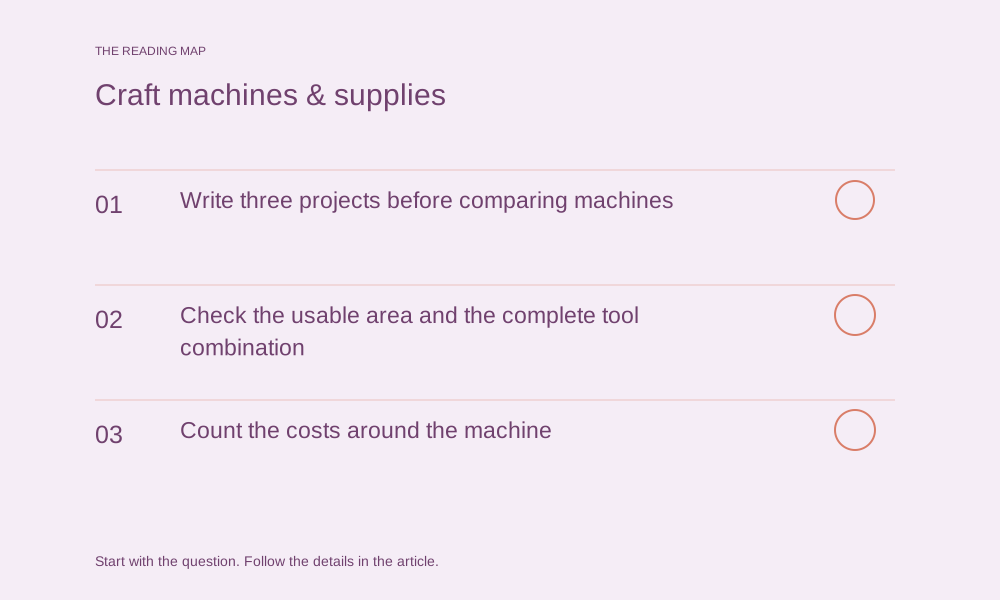

Write three projects before comparing machines
List the objects you genuinely want to make, their final dimensions and the materials involved. Add the difficult operation for each: scoring a coated card, cutting an intricate shape or stitching through the intended fabric layers. These requirements turn a crowded specification list into a shortlist. A machine that handles an impressive number of materials may still miss the one process your project needs.
Check the usable area and the complete tool combination
Nominal machine width, material width and usable design area are different measurements. Confirm the relevant limit for the operation, material and loading method. Then check the blade or tool, housing, mat and other required parts for the exact model. Cricut’s tool guide separates compatible machine families and accessories; similar names or a fitting-looking attachment are not a substitute for that compatibility record.
Cricut: blades and machine tools ↗ — Check the exact machine, blade and housing combination before choosing an accessory.
Count the costs around the machine
Create separate lines for the machine, required accessories, ordinary replacement consumables and optional software or design subscriptions. Check whether a feature is included, paid separately or dependent on a particular account or platform. Record a dated local quote if you want a budget, including taxes and shipping where applicable. We do not infer current prices or savings from an old bundle name.
Use a representative trial to answer the buying question
Where a demonstration or borrowed machine is available, take a project-sized question rather than asking whether the machine is good. Can the intended design be prepared, processed and finished with the documented setup? Record setup, material handling and cleanup separately from machine time. If no trial is available, label the comparison as specification research and leave performance claims untested.
Keep these details together.
- Usable work area
- Supported tools and materials
- Software, consumables and export needs
Go a little deeper.
Use the publication’s reference library to connect the task to the relevant constraints.
Craft Materials & Techniques Library ↗